
Features
Discover how Vauban helps you take back control of your finances.
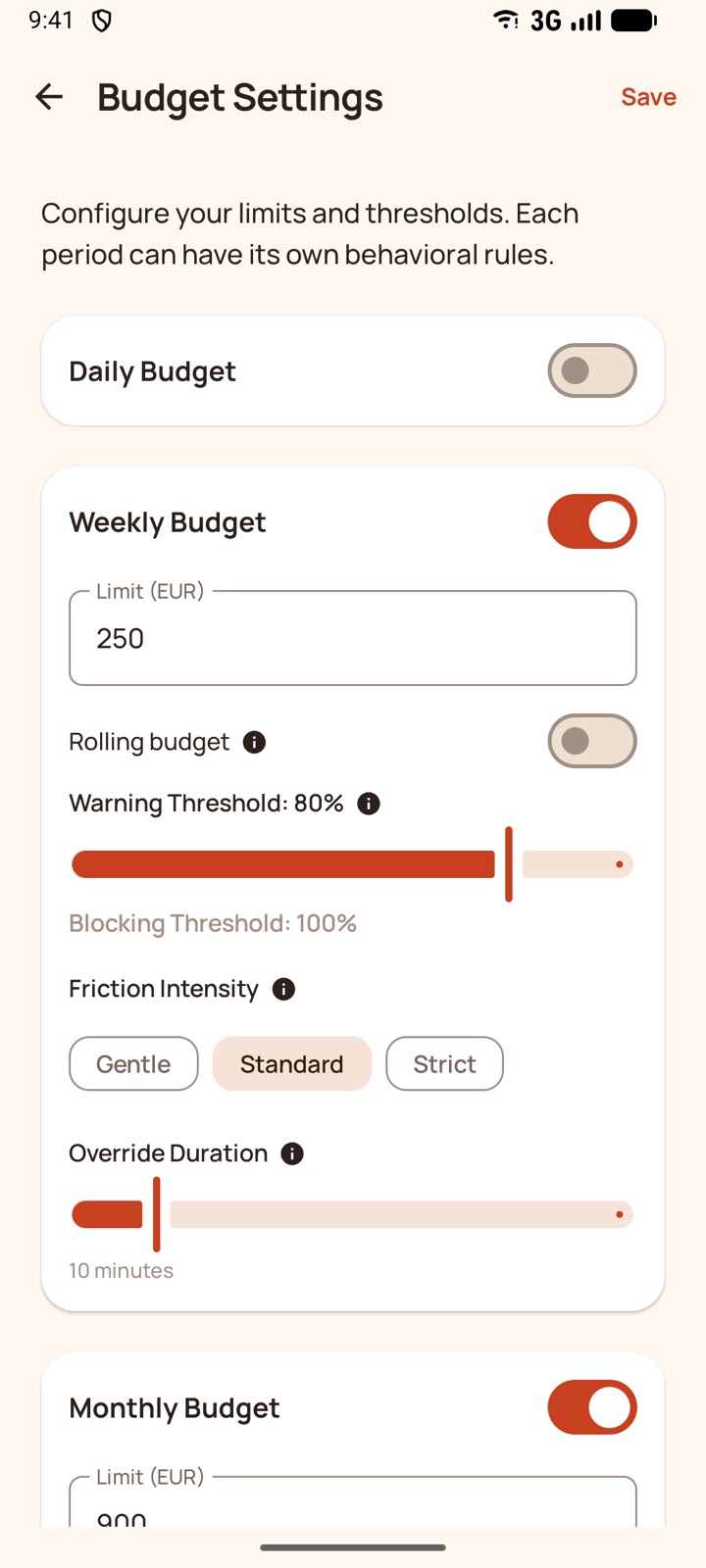
Budgets at your pace
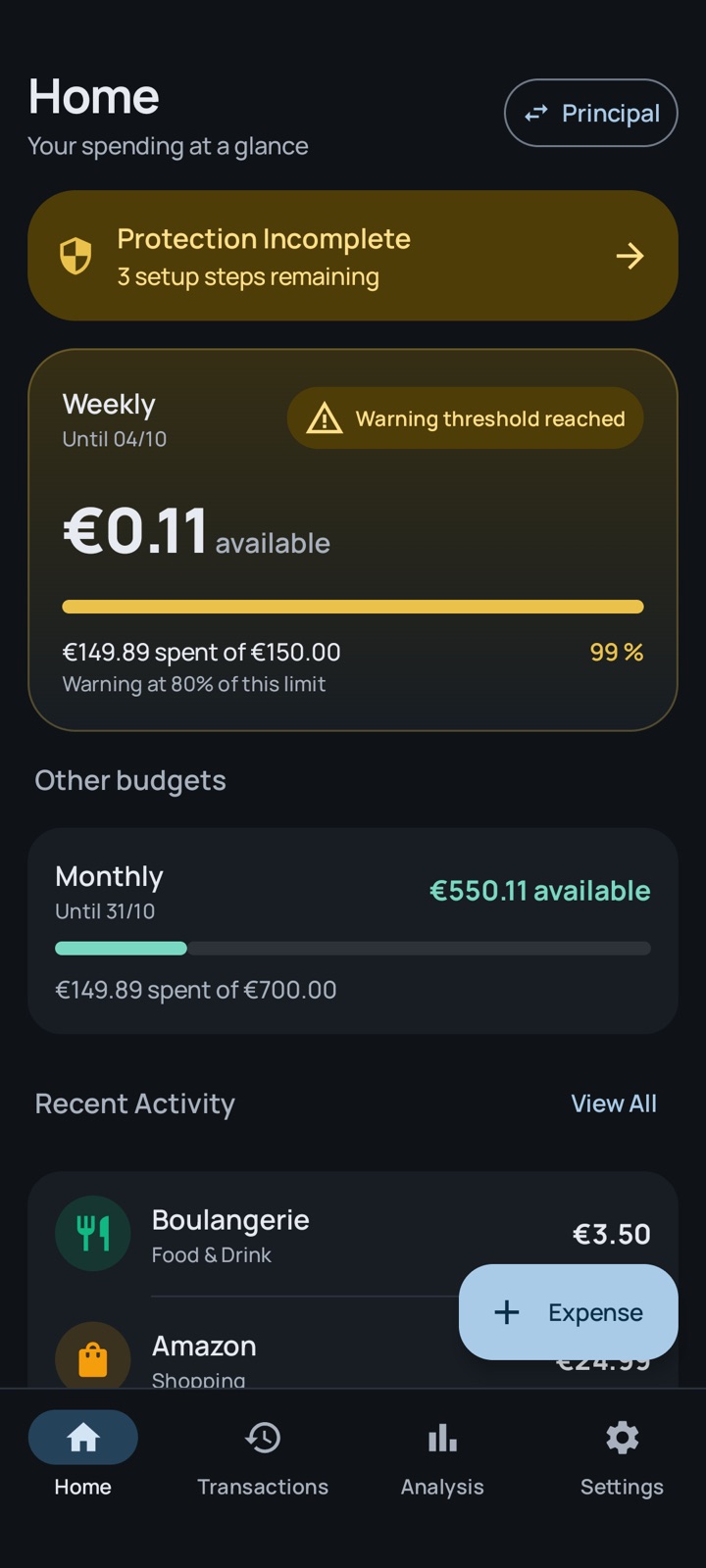
Daily, weekly or monthly budgets, each with its own warning threshold and friction intensity.
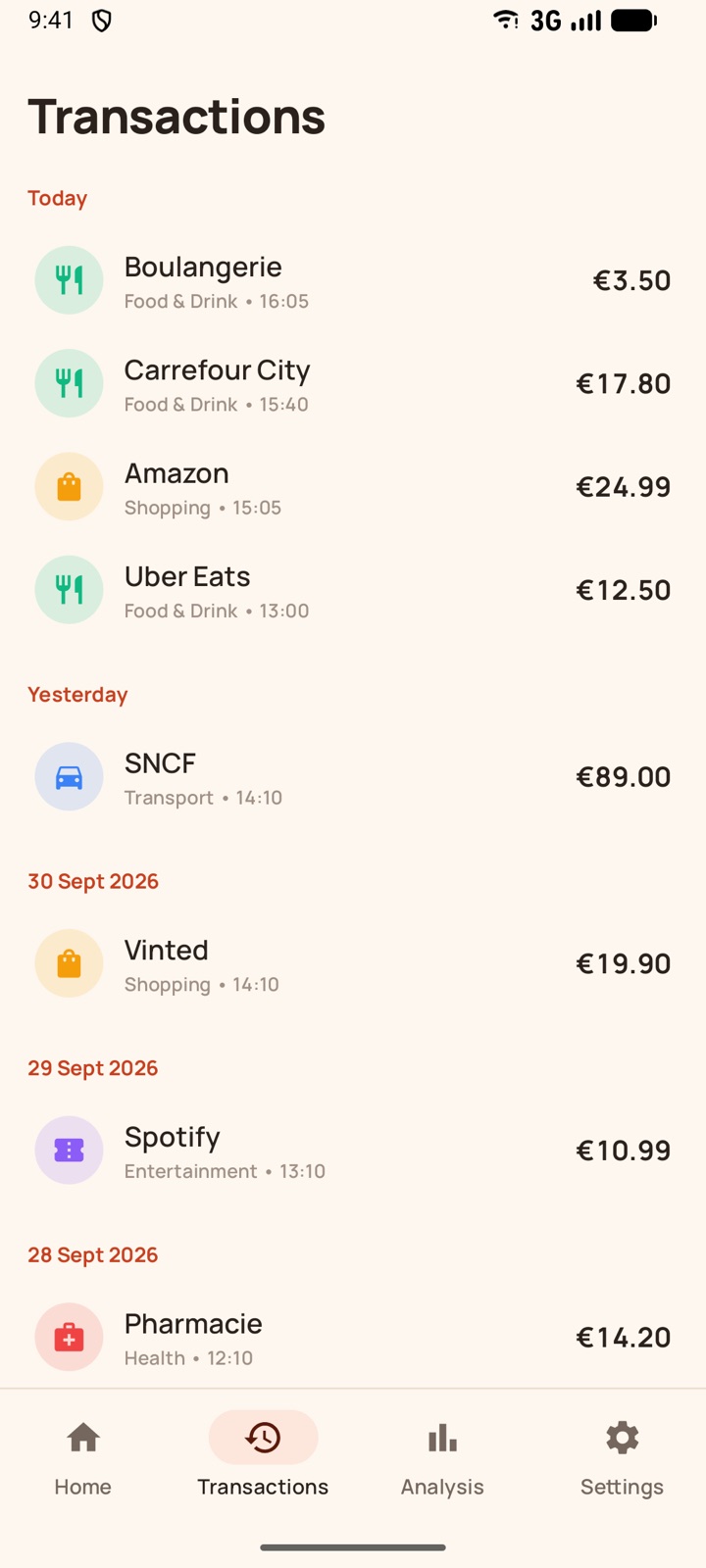
Automatic detection
Vauban reads the payment notifications of your bank and digital wallets, in 16 languages, and counts a payment seen from both sides only once.
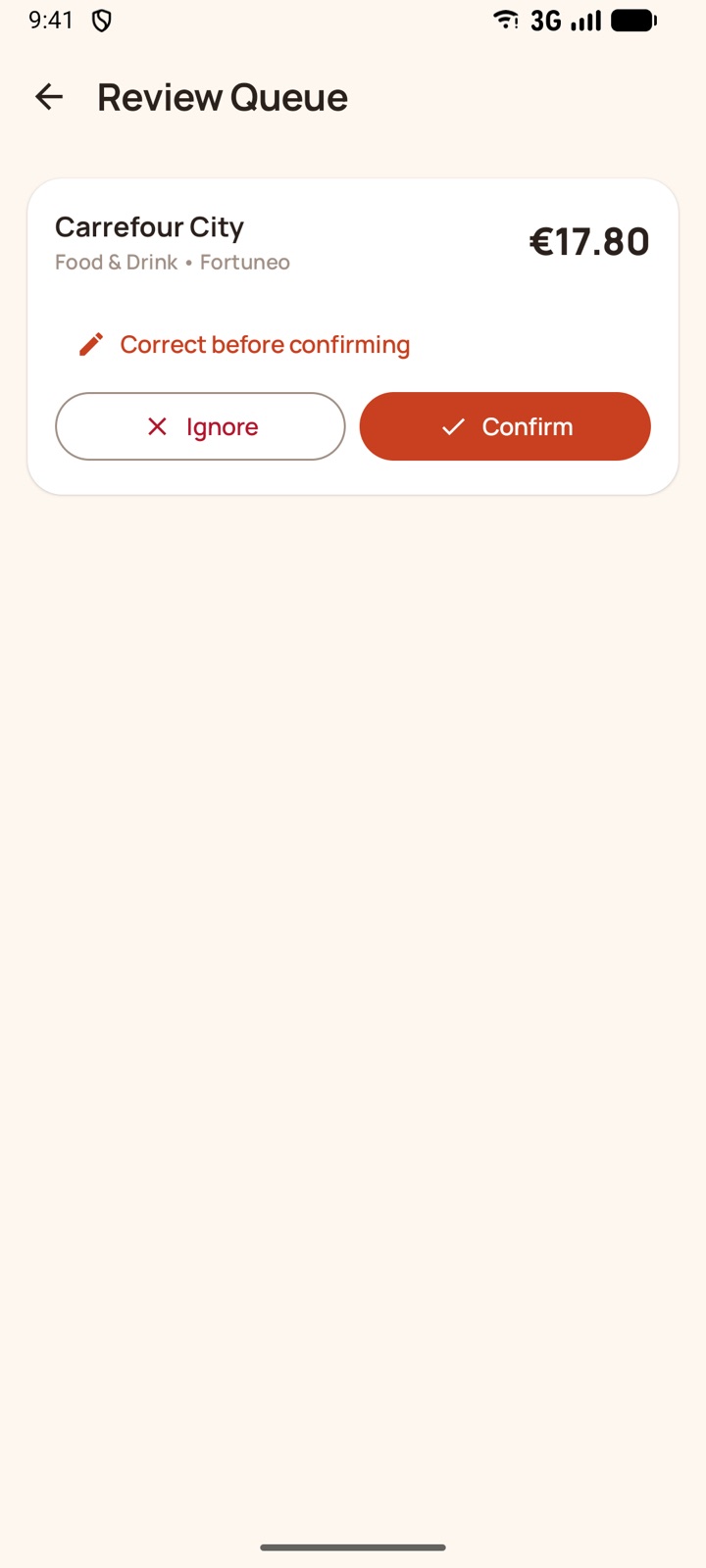
You stay in charge
An uncertain detection waits for your confirmation. A merchant corrected once stays corrected for the next payments.
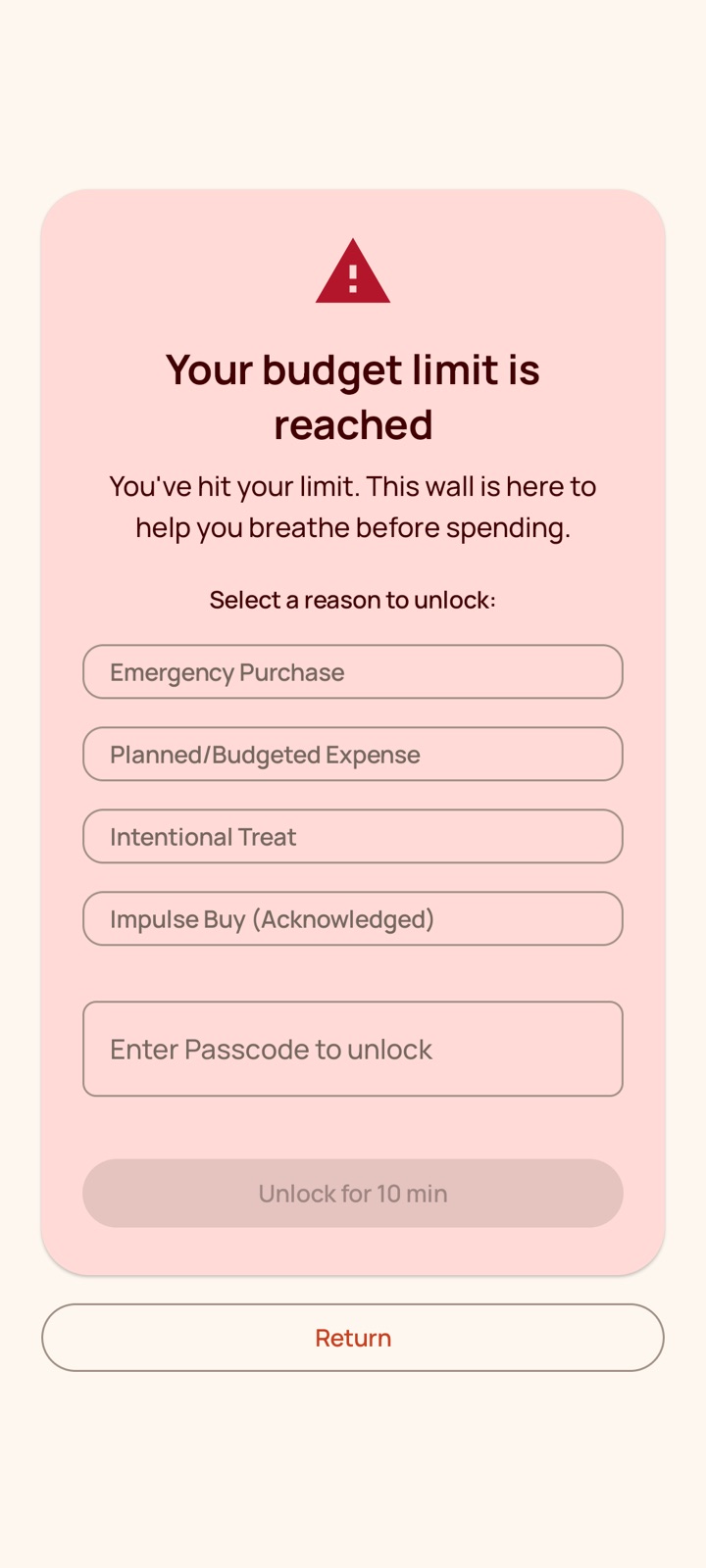
Behavioral wall
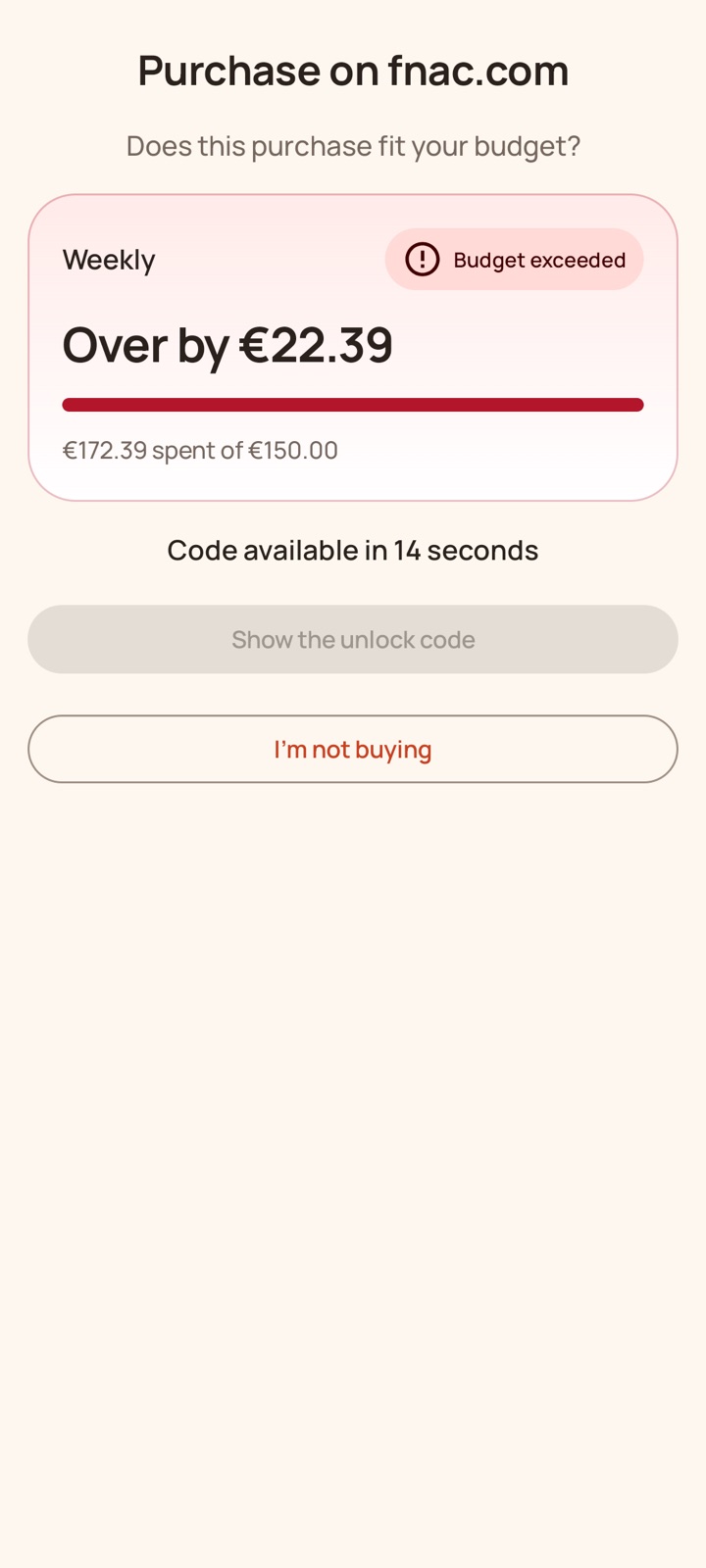
Over budget? A pause, a reason, your passcode: time to decide whether this purchase is worth it.
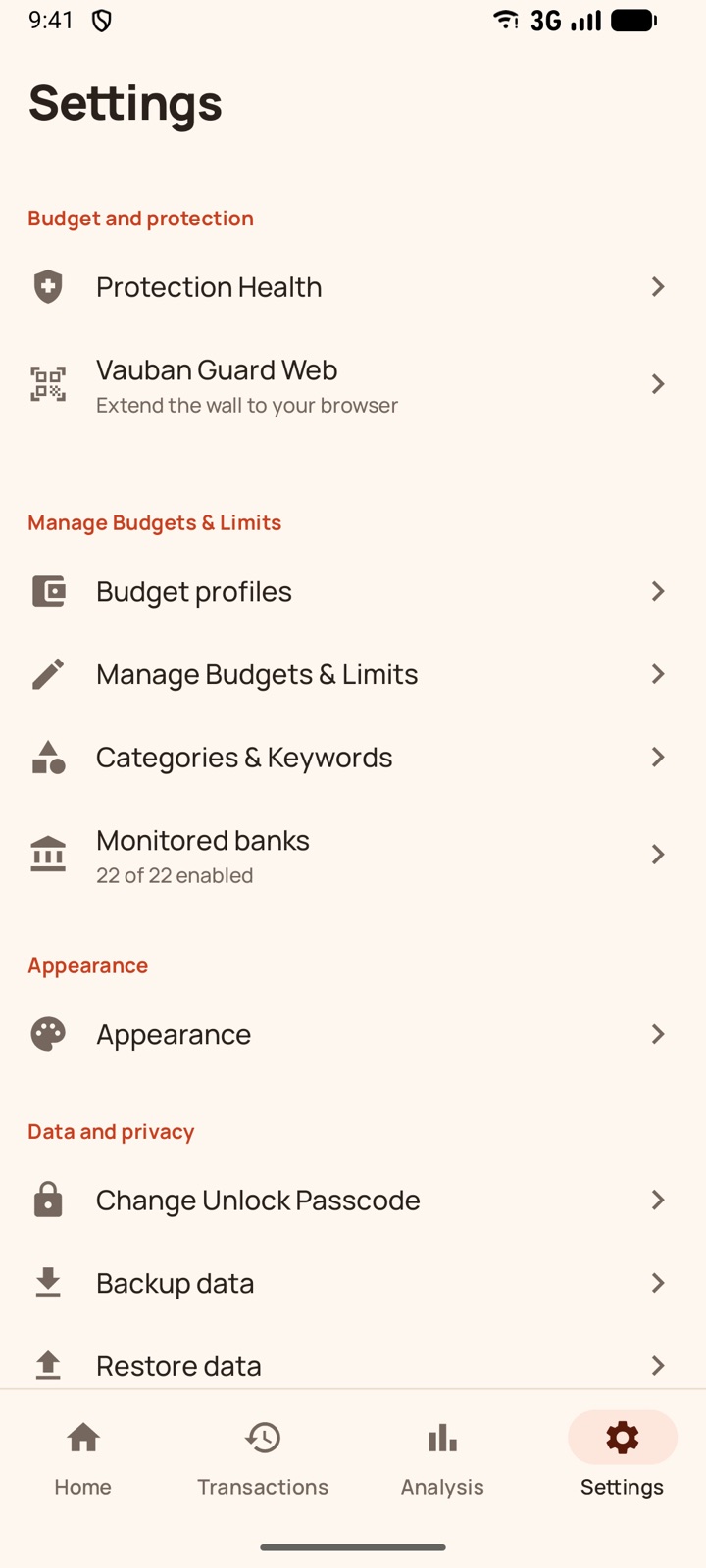
Vauban Guard Web
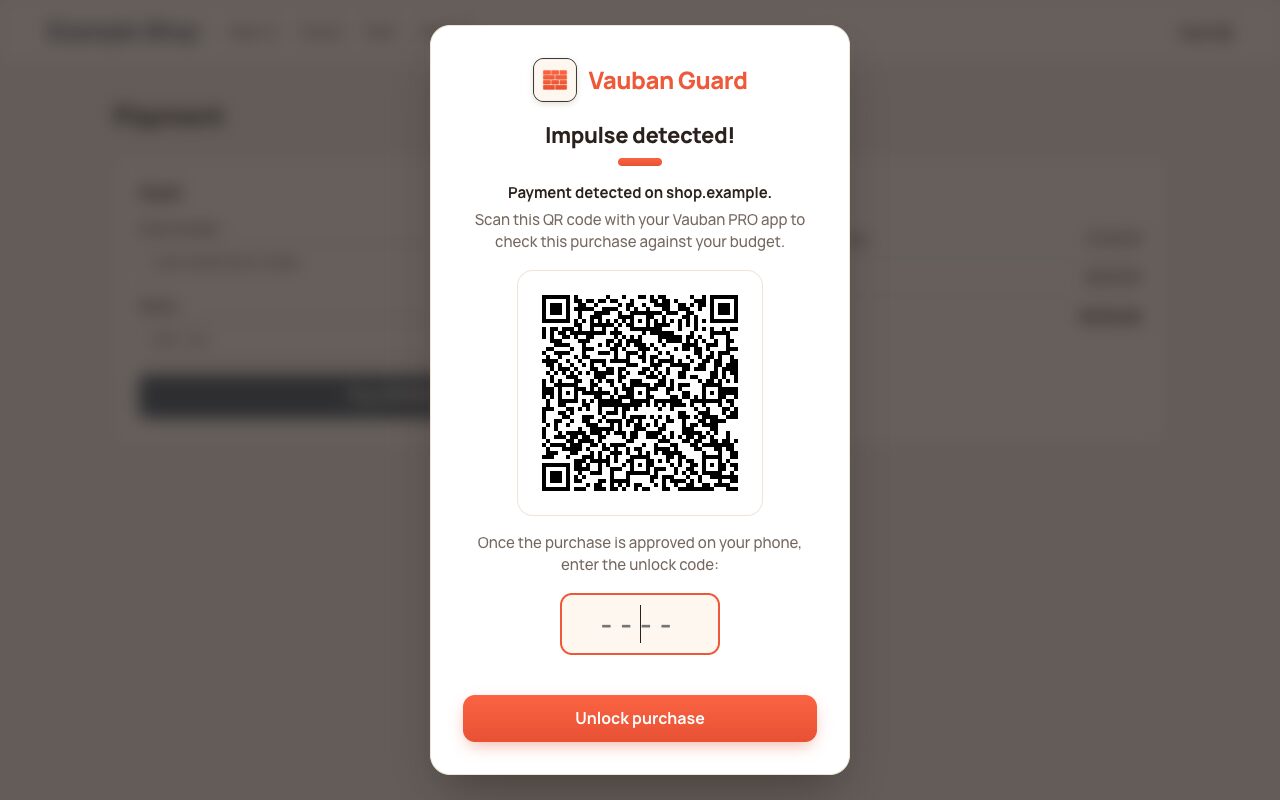
The browser extension blocks payment pages on your computer. To pay, you scan its QR code with the app, which gives you a code after a pause. No network, no account.
Local analytics
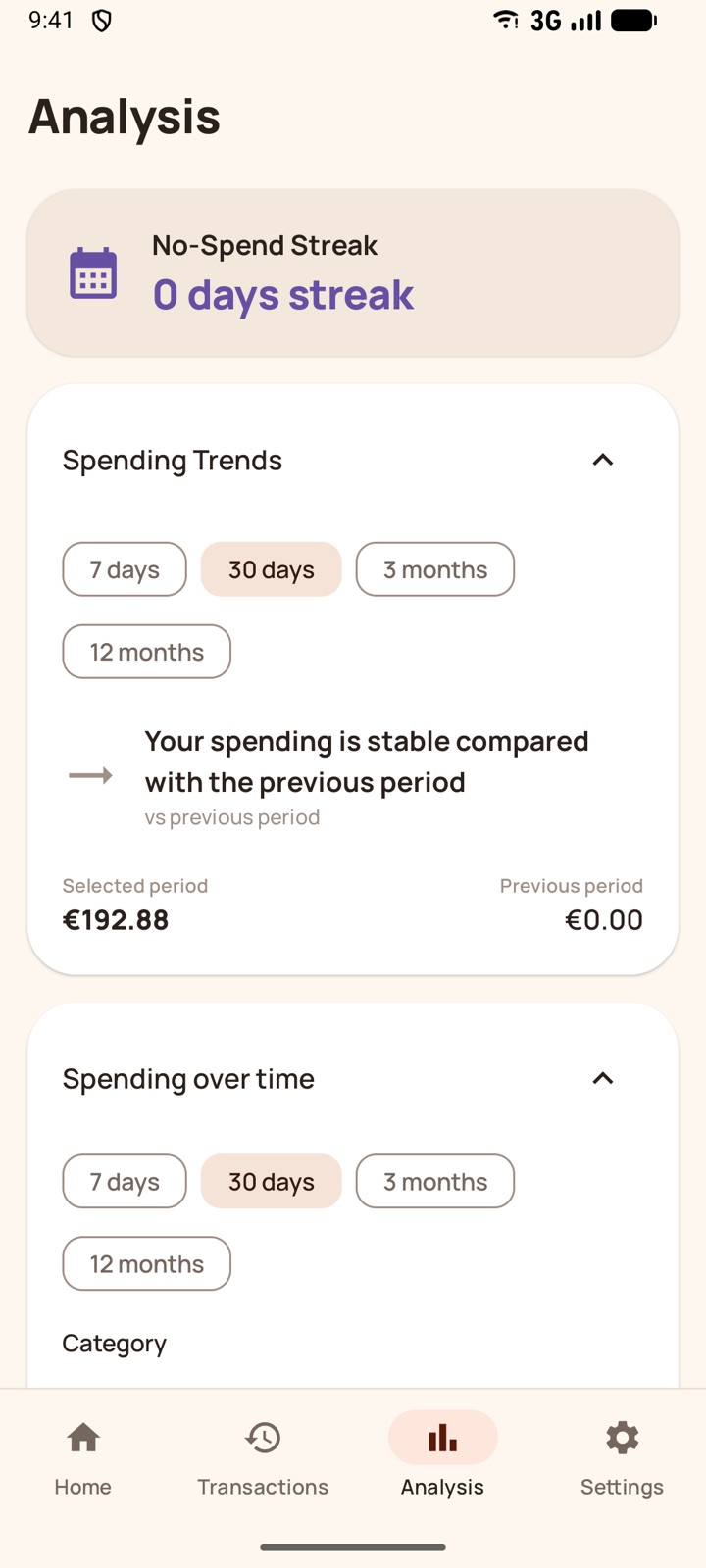
Breakdown by category and trends, computed on your phone.
Your colours
Light or dark theme, and with Pro full palettes: Fortress, Ocean, Forest, Sunset.
Local privacy
No cloud synchronization of budgets or transactions. Your financial data never leaves your phone.
The Vauban Guard browser extension
On your computer, the extension extends the app's behavioral wall. Linking it to your phone requires Vauban Pro.
Payment detection: The extension recognises checkout flows, card forms and payment buttons, then blurs the page and shows the wall. Product pages and carts are not blocked.
Approval from your phone: The wall shows an encrypted QR code that only your app can read. After its pause, the app gives you the unlock code, 4 or 6 digits long.
No network, no account: The browser and the phone only talk through QR codes. The extension does not talk to any server.
One purchase, one unlock: An approved purchase stays unlocked for 10 minutes on that site, long enough to finish paying. Other sites stay blocked.
Prices as working time: Enter your hourly wage and prices on websites show how many hours of work they cost.
Local dashboard: Blocked, abandoned and approved payments, per day and per site. These statistics stay in your browser.
Excluded sites: Choose the sites that should never be blocked, for example to pay your taxes or bills.
Hard to bypass: The wall comes back if it is removed from the page, and unpairing the browser also requires approval from the app.